FraudsterApp
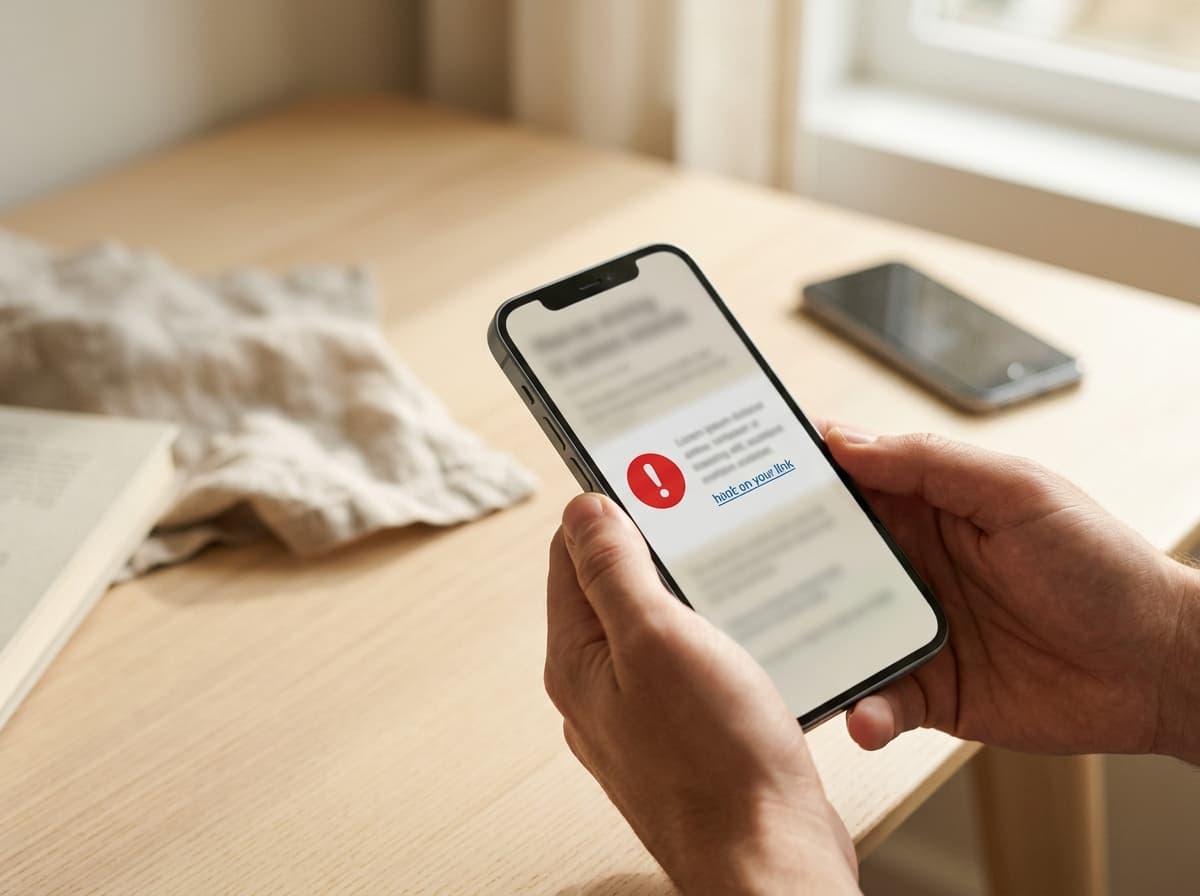
A person checking a suspicious delivery message on a phone

A safer internet for everyone

Think it might
be a scam?
Ask FraudsterApp.

Get a second opinion before you click, pay, reply or share. Paste a suspicious message, add a link, upload a screenshot, or tell us what happened.

Plain-English answers
Built by a cybersecurity expert
Private and secure

Ask FraudsterApp

A calm second opinion for the moment you feel unsure.

Scam checks: 0 of 20 used this month. General safety questions are free, unlimited, and do not require sign-in. Formal scam checks use your monthly allowance.

Tell me what happened. I can help you slow down, spot the pressure tactics, and choose a safe next step.
Example: A message creating urgency and asking for a verification code is high risk. Contact the organization using a trusted number instead.
Example analysis · illustrative onlyNot a real scan

Message example

“Your package is on hold. Pay a small fee to release it: delivery-update.example”

92/100

Scam risk · example

High risk

Several warning signs commonly appear in scam messages.

Why this raises concern

  • Creates a sense of urgency
  • The link does not match the official domain
  • Requests a small payment to release the parcel
  • Impersonates a familiar delivery service

Safer next step

Do not use the message link. Find the carrier’s official website or phone number independently.

Illustration only. Results vary with the evidence provided; FraudsterApp guidance is not a guarantee.

Clarity in a stressful moment

Clear answers.
A safer next step.

No jargon. No guessing. Just a clearer next step you can take at your own pace.

“FraudsterApp helps everyday people pause, check what they received, and make safer decisions.”

If something feels off, ask

What can you check?

You do not need to know what kind of scam it might be. Tell FraudsterApp what happened and it can help identify warning signs.

Text messages

Emails

Links & websites

Social media messages

Marketplace offers

Investment opportunities

Suspicious calls

Online relationships

Job offers

Invoices & payment requests

QR code situations

Cryptocurrency offers

A clear answer in four simple steps

Know what happened. Know what to do next.

01

Show what happened

Paste a message, add a link, upload a screenshot, or tell us what you noticed.

02

Look for warning signs

Check for urgency, impersonation, suspicious links, or payment pressure.

03

Understand the risk

Get a plain-English assessment of the signals in your evidence.

04

Choose what to do next

See practical steps, including recovery guidance if you already responded.

Run your first check
Terry Cutler, cybersecurity expert and founder of FraudsterApp

Built by a cybersecurity expert

Meet Terry Cutler

Terry is CEO of Cyology Labs, a Government-cleared Certified Ethical Hacker, and an award-winning cybersecurity educator. FraudsterApp brings practical security guidance into the moment someone needs it.

20+

Years experience

43,000+

Students educated

150

Countries reached

Meet Terry

Community intelligence

One report can help protect everyone.

Privacy-safe reports can help identify emerging scam patterns. An administrator reviews reports before alerts are published.

See scam alerts

Common patterns to watch

  • Delivery-fee requests
  • Bank impersonation calls
  • Marketplace payment pressure
  • Crypto investment promises

Examples for awareness only—not a live alert feed.

Simple pricing

Free to get started.
More protection with Pro.

Free

Check suspicious messages and get essential guidance. Includes the monthly scam-check allowance set by FraudsterApp; general internet-safety questions remain unlimited and do not use those checks.

$0

FraudsterApp Pro

More monthly scam checks and additional protection.

Current price: $7.99/month or $79/year

  • Monthly scam-check allowance set by FraudsterApp
  • Unlimited general internet-safety questions that do not use the check allowance
  • No pressure to upgrade

Good to know

Frequently asked questions

Find quick answers about privacy, accuracy, and what happens next.

Is my message analyzed as soon as I type it?

No. Your prepared check stays on this device while you sign in. Analysis only begins after you are authenticated and deliberately submit it.

Can I check a screenshot or document?

Yes. The checker accepts screenshots and supported document or email exports. Avoid sharing information you do not need analyzed.

What if I already clicked, paid, or shared a code?

Choose the recovery option in the checker and select what happened. If money or account access is at risk, contact your bank or service using a trusted number or website you locate yourself.

Does a risk score prove something is a scam?

No. It highlights signals in the evidence you provide. Treat it as guidance, not proof, and verify important requests through an independent channel.

FraudsterApp — Scam & Fraud Protection